Guides6 min read
How to Cancel Netflix: Steps, Refunds and Pausing Instead
How to cancel Netflix on the web, your phone, or through T-Mobile, Verizon, Xfinity or Apple: official steps, what happens after, refunds and cheaper plans.

In this article
To cancel Netflix, go to netflix.com/cancelplan, tap "Cancel," then "Finish Cancellation." It works in any web browser, on a computer or a phone, and you keep watching until the end of the period you already paid for. If Netflix comes with a T-Mobile, Verizon, Xfinity or other package, or Apple bills you, you cancel with whoever charges you. Below: the official steps for each case, what happens after, refunds, and how to pay less without quitting.
How to cancel Netflix on the web or your phone
These are the steps from the Netflix Help Center:
- Go to the Manage your membership page at netflix.com/cancelplan. Sign in if you're asked to.
- Tap or click "Cancel."
- Under Cancel, tap or click "Finish Cancellation."
That's it: a confirmation goes to the email on the account. Netflix says this is the only way to end your membership. Signing out or deleting the Netflix app doesn't cancel anything, and you'll keep being charged.
No cancel option? Find out who bills you
If you don't see a way to cancel, a partner bills your Netflix. Open your Account page and look under Membership: you'll find either a link to cancel or instructions to contact your payment partner.
In the US, the Netflix payment options page lists these partners: Cox, Comcast Xfinity (add-on and package), DirecTV, Dish, Frontier, Optimum, Spectrum, T-Mobile and Verizon.
| Who bills you | Where to cancel |
|---|---|
| Netflix directly (card or PayPal) | netflix.com/cancelplan |
| T-Mobile, Verizon, Xfinity, Spectrum, Cox and other providers | With the provider, in its app, account portal or customer support |
| Apple (something like "APPLE.COM/BILL" on your statement) | iPhone Settings → your name → Subscriptions |
| Google Play | Google Play subscriptions |
If Apple or Google Play bills you
When your statement shows Apple or Google instead of Netflix, the store is where you cancel. On an iPhone, Apple's steps are: in Settings, tap your name, tap Subscriptions, tap the subscription and tap "Cancel Subscription." If there's no Cancel button, or you see an expiration message in red, it's already canceled.
On Android, open your Google Play subscriptions, select Netflix, tap "Cancel subscription" and follow the instructions.
Canceling a carrier or cable package: watch the card on file
This catches a lot of people. Netflix's help pages for packages such as T-Mobile's say that when you cancel the package (or unlink your account), one of three things happens:
- any gift card or credit balance on your Netflix account kicks in;
- if your Netflix account has a valid secondary payment method, such as a credit or debit card, Netflix starts charging it so you can keep watching;
- if it doesn't, your account goes on hold.
So dropping the package can quietly move Netflix onto your own card. After canceling with the provider, open your Netflix Account page and, if the membership is still active, cancel at netflix.com/cancelplan too. For T-Mobile, Netflix says to contact T-Mobile customer support to cancel the package or the Netflix subscription.
What happens after you cancel Netflix
- You keep watching until the end of the cycle. Access lasts until the billing period you paid for ends. Your Payment History, under Account, shows the date.
- An account on hold closes right away. If your account is on hold for a failed payment, canceling takes effect immediately.
- Gift card balances get used up first. If you have a Netflix gift card or promotional balance, you can keep watching for as many months as it covers.
- Your data stays for 24 months. Viewing activity, recommendations, ratings and account details are kept, so you can pick up where you left off if you restart within that time.
Netflix also doesn't sell annual plans: its payment options page says memberships are billed monthly on the date you signed up. You never lose a prepaid year by canceling, so there's no reason to wait until the last day. Cancel when you decide and watch until the month runs out.
Does Netflix give refunds?
Generally, no. The Netflix Terms of Use say that, to the extent permitted by law, payments are non-refundable and there are no refunds or credits for partial billing periods. In practice, if you cancel the day after you're charged, you don't get money back, but you can watch for the rest of that month.
A charge you didn't expect is a different story:
- Charged after you canceled? Netflix's help center says you, or someone using your account, may have restarted it by accident. Its fix: cancel again at netflix.com/cancelplan and change your password.
- Still disputing it? A charge you didn't authorize, a duplicate, or a renewal after a documented cancellation can be disputed with your card issuer. Deadlines and letters are in our guide on how to dispute a subscription charge.
How to make sure you're not charged again
- Keep the proof. Save the confirmation email and screenshot the end date in your Payment History.
- Change your password. Netflix recommends changing it after you cancel and checking the box "Sign out of all devices," so no one in your household can restart the account.
- Don't count on an expired card. Netflix notes that some banks automatically update your card number when they issue a new card, so charges can keep going through.
- Check your next statement. If Netflix still shows up, treat it as a billing error.
Cheaper options than canceling
Pause your membership for up to 3 months
If you just want a break, Netflix lets you pause instead of cancel. On the Cancel Membership page, select "Pause for 1 Month." You can watch until your next billing date. On that date you're not charged, and the membership is paused for one month. After that, Netflix charges your current plan price and you can watch again.
A week before the pause ends you can extend it by another month, for up to three months in total. While paused you can't stream or download. Pausing isn't available with Direct Debit, gift cards and some partner payments.
Switch to a cheaper plan
Netflix's last US price increase took effect on March 26, 2026: Standard with ads went from $7.99 to $8.99, Standard from $17.99 to $19.99 and Premium from $24.99 to $26.99 (dated history with sources in Netflix price increases). Netflix emails you a month before the first charge at a new price, and you can't keep the old one.
| Plan | US price | Screens at once | Quality | Ads |
|---|---|---|---|---|
| Standard with ads | $8.99/mo | 2 | Full HD (1080p) | Yes; most titles available |
| Standard | $19.99/mo | 2 | Full HD (1080p) | No |
| Premium | $26.99/mo | 4 | 4K (Ultra HD) + HDR | No |
US prices checked in October 2026; taxes may apply depending on where you live. An extra member costs $7.99/mo with ads or $9.99/mo without.
Moving from Premium to Standard with ads saves $18 a month, or $216 a year. A downgrade takes effect on your next billing date, and you keep the higher plan's features until then. Paying for an extra member nobody uses anymore? Removing that slot cuts the bill too. The full comparison is in Netflix plans and prices in 2026.
Rotate instead of keeping it all year
Because Netflix keeps your history for 24 months, canceling now and coming back for the season you're waiting for costs you very little. Here's how to set up a streaming rotation and pay for one service at a time.
How Subfaro helps
The hard part isn't canceling; it's remembering to cancel before the next charge. Subfaro alerts you before each charge, warns you when a plan's price changes, and gives you each service's official cancel link. Netflix plans and US prices are on Netflix in Subfaro.
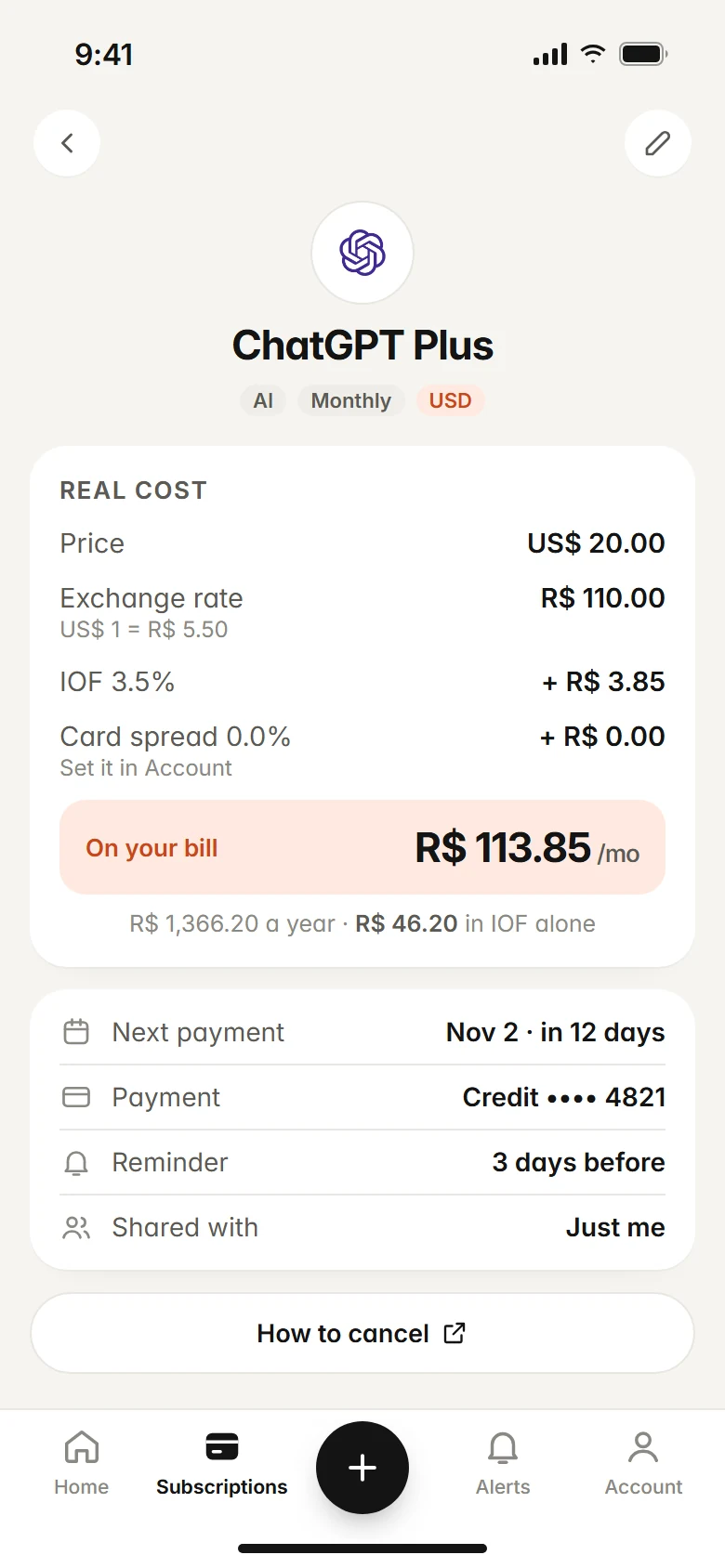
Once you cancel with Netflix, mark it as canceled in Subfaro to keep your tracker accurate. That doesn't cancel anything at Netflix; you do that through the official link. The free plan tracks up to 10 subscriptions with no time limit: create your free account.
FAQ
If I cancel Netflix today, do I lose access right away?
No. You can keep watching until the end of the billing period you already paid for, and your Payment History shows the exact end date. The exception is an account on hold, which closes immediately when you cancel.
Does Netflix give refunds if I cancel mid-month?
Generally no. Netflix's Terms of Use say payments are non-refundable to the extent the law allows, with no refunds or credits for partial billing periods. A charge after you canceled, or a duplicate charge, is a different case and can be disputed.
How do I cancel Netflix that comes with T-Mobile, Verizon or Xfinity?
You cancel with the provider that bills the package. If your Netflix account also has a card on file, Netflix will start charging that card once the package ends, so check your Account page afterward.
Can I pause Netflix instead of canceling?
Yes, one month at a time for up to three months in total, from the Cancel Membership page. Pausing isn't available with some payment methods, such as Direct Debit, gift cards and some partner payments.
Will I lose my profiles and viewing history if I cancel?
Not right away. Netflix keeps your viewing activity, recommendations, ratings and account details for 24 months after your account closes, so you can pick up where you left off if you return within that time.
Keep reading
All articles →
Streaming6 min read
How much does every streaming service cost in 2026
We added up 12 US streaming services: $161.88/mo on the cheapest plans and $221.38/mo on standard plans. See the full price table and what to keep.

Streaming5 min read
Netflix Plans and Prices 2026: Which Plan Should You Pick?
Netflix plans in 2026: Standard with ads $8.99, Standard $19.99, Premium $26.99 (US). What each plan includes, the March increase and which one fits you.

Guides6 min read
How to Cancel Subscriptions: Netflix, Spotify, Hulu and More
How to cancel subscriptions in the US: the path and official cancel link for Netflix, Spotify, Prime, Hulu, Max and more, plus refunds and remaining time.